


BlogProduct
Upload a PNG, Get a DST: Why Digitization Stalls First Orders
The single most common place a first order dies is waiting on someone to digitize the logo. Instant digitization removes the cost line and the delay.
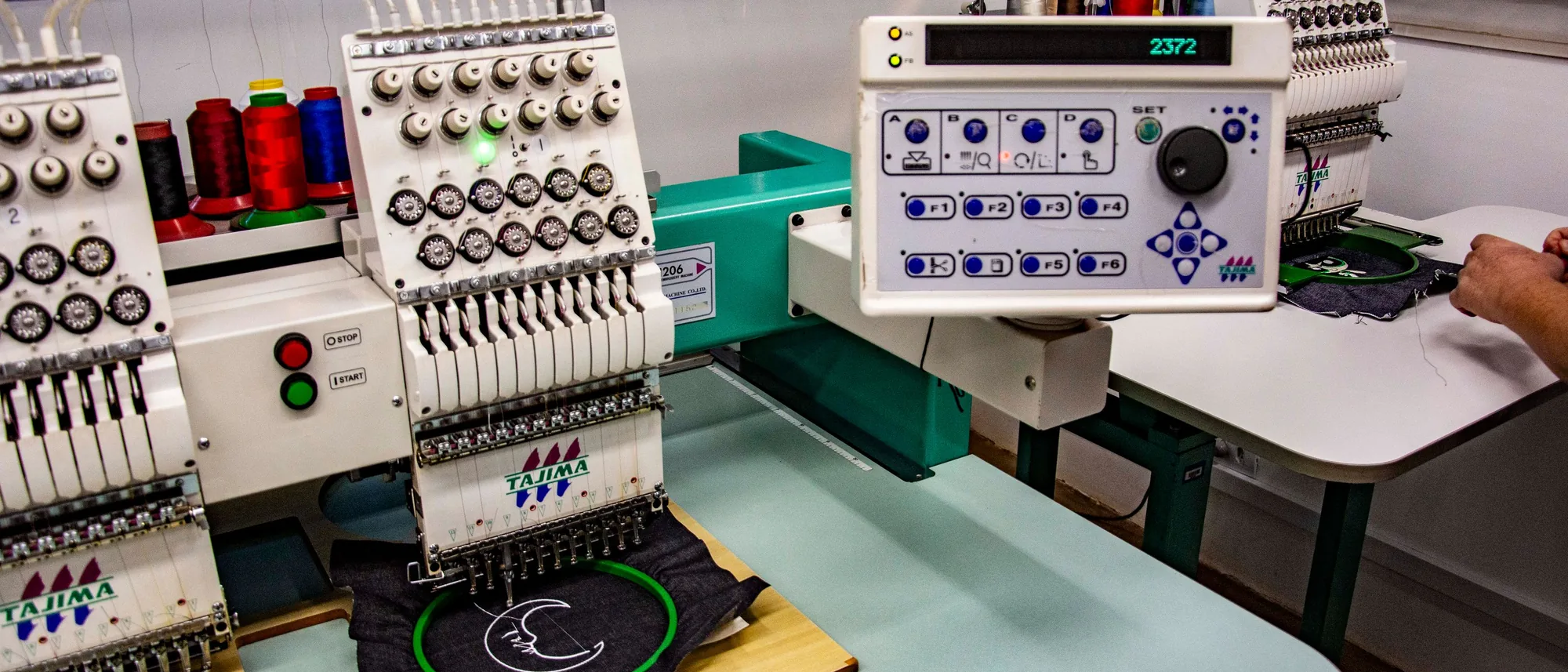
Digitizing converts a logo into a stitch file an embroidery machine can read. It usually means a separate fee and a wait, and in Brikl's view it is the most common reason a first order stalls. Brikl's instant digitization does it automatically at product setup: you upload a PNG and get a production-ready file back, with no digitizing bill and no waiting on a vendor.
In short:
- Embroidery digitizing converts a logo image into a stitch file, such as a DST, that tells the machine where and how to stitch.
- Brikl digitizes uploaded logos automatically at product setup, with no separate digitizing step.
- Brikl's instant digitization accepts a PNG or SVG and returns a production-ready file with no digitizing bill.
- The output is ready for embroidery, screen print, DTG and more.
- Production-ready artwork routes to a fulfillment partner automatically when an order is placed.
What is embroidery digitizing?
Digitizing is the step that turns a logo image into a stitch file an embroidery machine can follow.
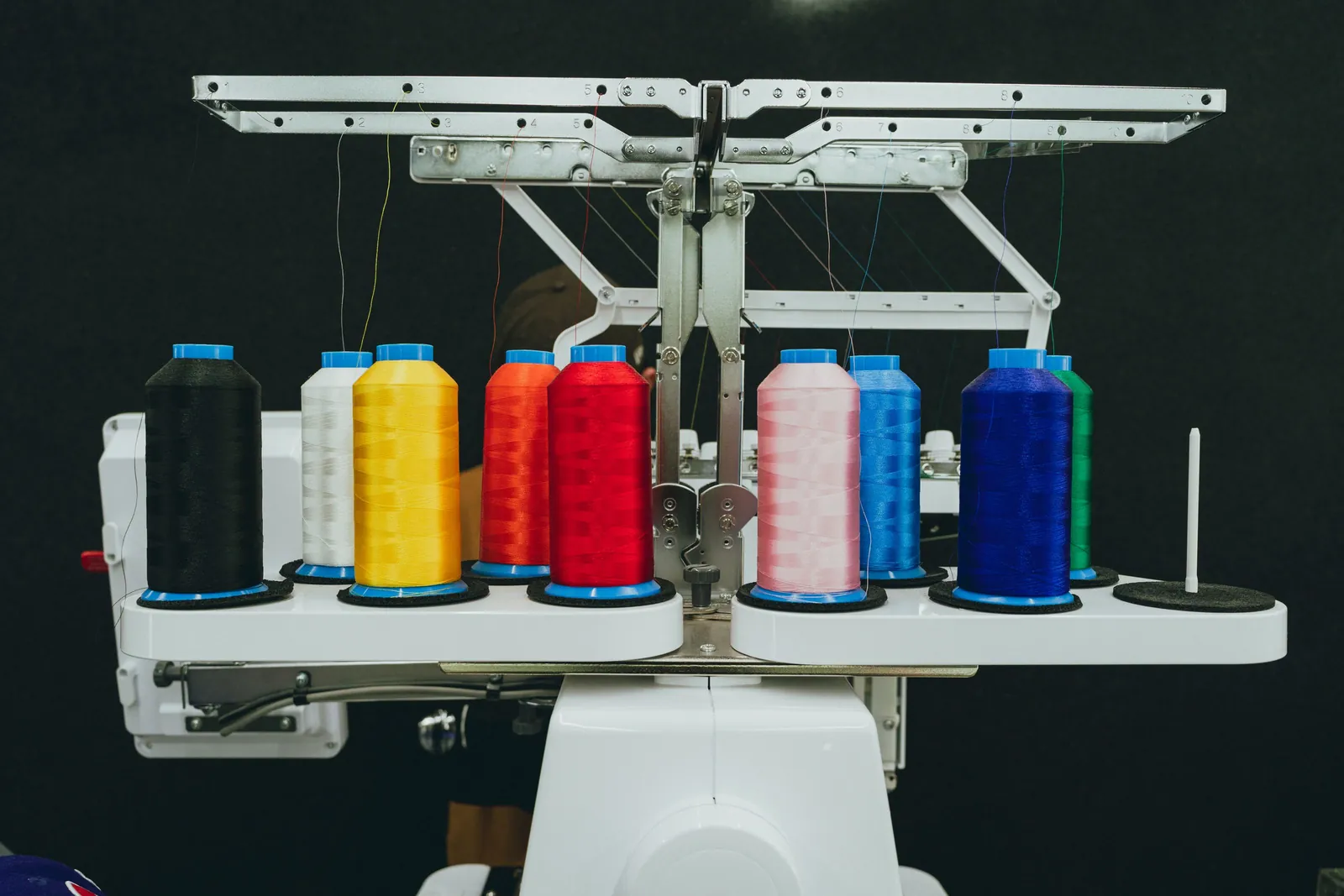
A PNG or JPG describes colored pixels. An embroidery machine doesn't work in pixels; it works in stitches. It needs to know where each stitch goes, which way it runs, how dense the fill is, which thread color comes next and in what order the parts of the design are sewn. A stitch file holds those instructions, and DST is one of the most widely used machine formats in the industry.
Traditionally, a specialist builds that file by hand in dedicated software. A logo that looks clean on screen can pucker, gap or lose detail on fabric if the stitch file isn't built for the size and the garment.
Why can't an embroidery machine just use the PNG?
Because a PNG has no stitch information, so someone or something has to translate it first.
Print methods such as DTG and DTF can work from a good image file, as long as it has enough resolution for the print size. Embroidery is different: the design is built from thread, so it has to be redrawn as stitches. That is why embroidery has historically carried a setup step, and a setup cost, that printed items often do not.
If you want the fuller picture of how each method handles artwork, Brikl's guide to decoration methods walks through them side by side.
Why does digitization stall first orders?
Because the first embroidered order for a new client usually can't move until the logo is digitized, and that step adds both a fee and a delay.
Here is how it typically goes. A distributor lands a new client, say a regional sports club that wants embroidered polos. The logo arrives as a PNG pulled from the club's website. The file goes to a digitizer and gets quoted. The quote goes to the client for approval. The file is produced, a sew-out or proof comes back, and someone asks for a change. Each of those steps is an email, and each email waits on someone's inbox.
Meanwhile, the client's enthusiasm cools. The digitizing fee shows up as a line item on an order that hasn't shipped yet. Plenty of first orders quietly die in that thread before anything is produced. That pattern is the problem Brikl's instant digitization is designed to remove.
Why the first order matters most
A digitizing fee is charged on every new logo, which means it lands on the first order with a new client. That is exactly the order with the least momentum and the most room for doubt. Removing the fee and the wait there has more effect than anywhere else in the relationship.
What does Brikl's instant digitization do?
It turns an uploaded logo into a production-ready file automatically during product setup, so there is no separate digitizing step to manage.
With Brikl's instant digitization, you upload a logo (a PNG works) and the production-ready file comes back as part of setting up the product. There is no separate digitizing invoice and no waiting on a vendor. When an order is placed, the artwork is already prepared and routes to the decorator together with the order.
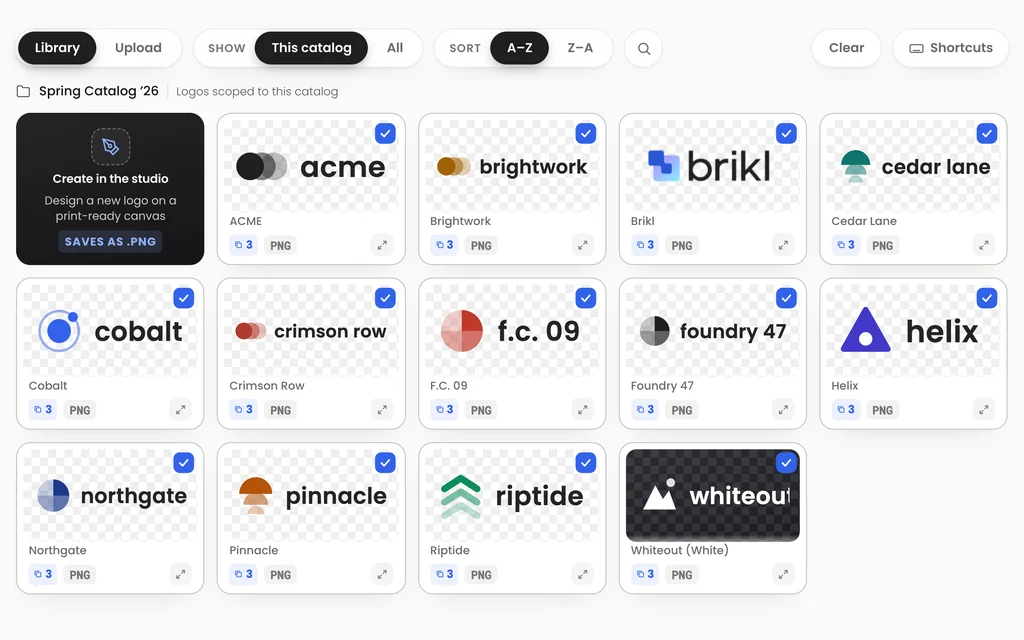
The same applies when you build a store with Turbo Store. You give it your logo as a PNG or SVG, and it converts the artwork automatically and places it on every product, sized for each item's decoration method.
Does instant digitization only work for embroidery?
No. The production-ready file Brikl creates is ready for embroidery, screen print, DTG and more.
Embroidery is where the delay hurts most. But every decoration method has its own artwork requirements, and getting them wrong causes the same back-and-forth. Brikl offers 12+ decoration methods through its fulfillment partners, including DTG, DTF, embroidery and screen printing, and availability depends on the partner. Preparing one logo once, for all of them, removes a step from every product you set up.
What makes a good logo file to upload?
A clean, high-resolution PNG or a vector SVG gives the best result.
Brikl's Design Tool helps you get the artwork right before anything is produced:
- Check the file type. The Design Tool lists the required file type for each decoration method.
- Check the resolution. It compares the image's pixel dimensions with the print size; aim for 300 DPI at print size, or use a vector file.
- Choose placements. Place the logo on the Front, Left chest, Right chest or Back.
- Apply and adjust. Apply the placement to all products at once, then override it on individual items where needed.
A logo copied from an email signature is usually too small. Asking the client for the original file up front saves a round of questions.
How does the artwork get from upload to the decorator?
Automatically: the logo is digitized, proofs are generated, and production-ready artwork routes to a decorator with each order.
Brikl routes each order to a fulfillment partner by product type and decoration method, and splits multi-partner orders. Nobody forwards a file or confirms which version is final. Embroidered items typically take 3–7 business days in production, and tracking numbers come back automatically. You can see the full flow on how Brikl works.
What does instant digitization change for a distributor?
It removes both a cost and a point of failure from the first order with every new client.
First embroidered order: traditional digitizing vs. Brikl instant digitization
| Step | Traditional digitizing | Brikl instant digitization |
|---|---|---|
| Logo arrives as PNG | Sent out to a digitizer | Uploaded at product setup |
| Stitch file | Quoted, approved and produced over email | Production-ready file returned automatically |
| Cost | A digitizing fee on each new logo | No digitizing bill |
| Waiting time | Depends on the vendor and the approval loop | No wait for a file |
| Hand-off to production | File forwarded manually | Artwork routes to the decorator with the order |
From a business-growth perspective, this is the change I consider most important. New clients can place a first order without a digitizing bill or a multi-day delay, so more first orders actually happen. Smaller accounts benefit most, because a fee that is minor on a large order can decide whether a small one goes ahead at all. Instant digitization is part of the Brikl v3.0 release; read why distributors choose Brikl for the wider picture.
Try it with your next logo
Start free, upload a logo, and set up your first product.
Frequently asked questions
What is a DST file?
A DST file is a widely used embroidery machine format. Instead of storing an image, it stores stitch instructions: where each stitch is placed, how the needle moves and when the thread color changes. An embroidery machine reads those instructions to sew the design. A logo in PNG or JPG format has to be digitized before it can be sewn.
Does Brikl charge a digitizing fee for new logos?
No. Brikl's instant digitization converts an uploaded logo into a production-ready file automatically during product setup, with no digitizing bill. On Brikl's Launch plan, there is also no setup fee or monthly subscription; Brikl charges 3.5% per transaction, and card processing through Stripe is billed separately.
Which logo file formats can I upload to Brikl?
Brikl accepts logos as PNG or SVG files and converts them automatically. For the best result, use a PNG with enough resolution, around 300 DPI at the final print size, or a vector SVG. Brikl's Design Tool lists the required file type for each decoration method and checks pixel dimensions against the print size.
Why does embroidery need a separate file when printing does not?
Print methods such as DTG and DTF reproduce an image directly, so a high-resolution image file can be enough. Embroidery builds the design from thread, so the machine needs a stitch file that defines the position, direction, density and order of every stitch. Creating that file from an image is called digitizing.
Does Brikl generate proofs for uploaded logos?
Yes. In Brikl's process, logos are digitized automatically, proofs are generated, and production-ready artwork is then routed to a decorator. Orders on Brikl can be cancelled before production starts, but not after, because every item is made to order for that customer.
More from the blog
Product
Bulk Ordering on On-Demand Rails: How Order Builder Works
Bulk orders don't have to mean pre-buying inventory and fronting a full production run. Order Builder keeps the bulk workflow and puts it on on-demand pricing.
Product
A Store in Ten Seconds: What Turbo Store Changes
When a store took eleven hours to build, only the biggest accounts got one. Turbo Store changes the math, and with it, who gets a store at all.
Industry
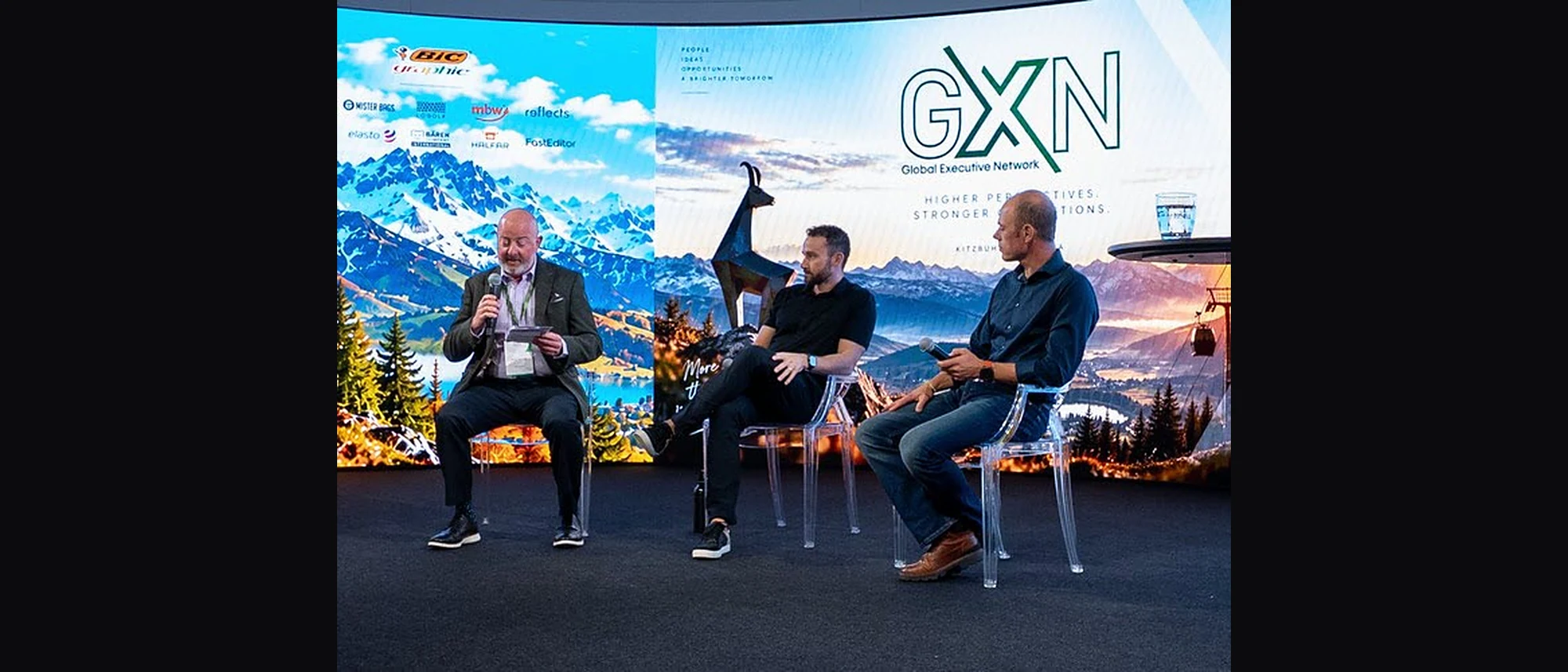
We Standardized the Catalog. Now We Need to Standardize the Order.
Supplier feeds carry the style, the color and the price. The decoration half of the order still arrives by email, one order at a time. At GXN in Kitzbühel, we talked about who fills that gap, and what it would take to close it.